
A practical 2026 update for Florida business owners
Running a business means keeping up with a lot of moving parts. Payroll, staffing, customer needs and cash flow already compete for attention. So when the state changes the way employers file a familiar tax return, it is reasonable to wonder: What do I need to do differently, and will this take more of my time?
Florida has now moved reemployment tax filing and payments to a newer online eFile and Pay system. The transition took effect on August 24, 2026. For employers, the good news is that many of the basics remain familiar. But there are a few practical steps worth taking before your next filing.
First, what is Florida reemployment tax?
Florida reemployment tax, often called unemployment tax, is a state employer tax that supports unemployment benefits for eligible workers. Businesses that are liable for the tax generally report employee wages and pay the required tax to the Florida Department of Revenue. It is an employer responsibility, separate from federal income tax withholding and other payroll obligations.
If you employ people in Florida, accurate wage records and timely filings should already be part of your payroll routine. The new portal changes the online experience, not the need to maintain reliable records.
What actually changed in August 2026?
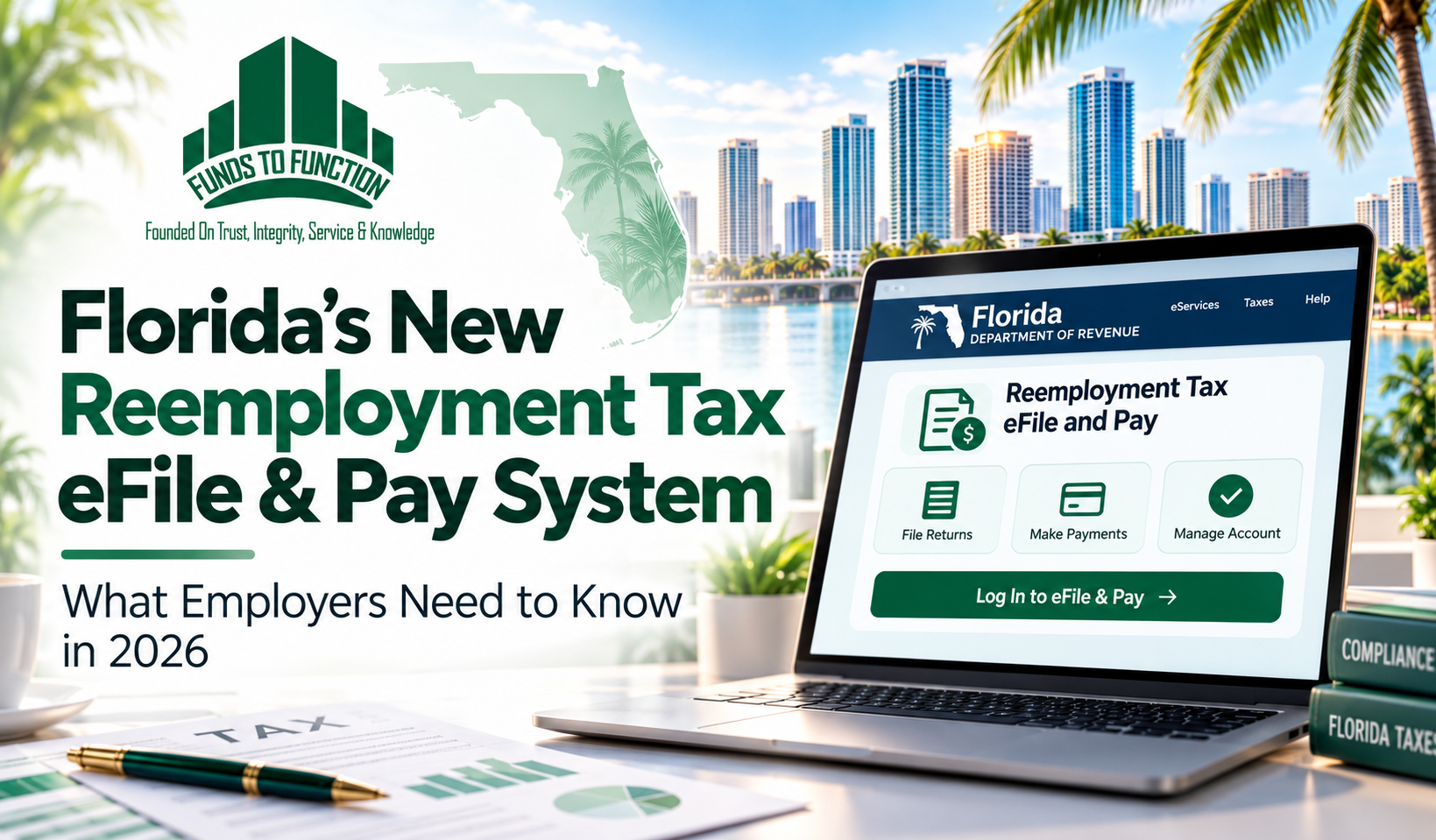
On August 24, 2026, Florida moved reemployment tax services to its modernized eFile and Pay platform. The Department says the wider rollout is intended to offer a more responsive website, updated navigation, stronger security features, and clearer guidance for taxpayers.
Employers can access the reemployment tax page to start a return, resume a saved return, make a payment, or look up certain returns and payments submitted from August 24 onward. Forms supported in the transition include the Employer’s Quarterly Report (RT-6), corrections on RT-8A, and the annual report for eligible domestic employers (RT-7).
Do you need a new username or password?
For employers who previously filed through the standard web filing process, existing login credentials generally remain the same. You may need to enter them again in the new portal, so it helps to check that the person responsible for payroll knows where they are stored securely.
There is an important exception: businesses and service providers using direct file or secure file transmission have separate registration and access requirements. If an outside payroll provider files for you, confirm they have completed any required transition steps rather than assuming the old connection will continue to work.
A simple checklist before your next filing
• Visit the official Florida Department of Revenue reemployment tax eFile and Pay page. Update old bookmarks rather than relying on outdated links.
• Confirm your account access and review the available filing and payment options.
• Reconcile quarterly payroll records: gross wages, employee details, and the wages that should be reported to Florida.
• Coordinate with your payroll processor or accountant so you know who submits the return and who authorizes payment.
• Save the filing confirmation and payment records with your other payroll documentation.
These steps are straightforward, but they can prevent the kind of last-minute confusion that is difficult to resolve on a deadline day.
What about filing deadlines?
The Department specifically states that the new portal does not change existing filing or payment due dates. Employers should continue following the deadlines and filing requirements that apply to their accounts. A new website is not an extension of time, and an unfamiliar screen does not remove the obligation to file accurately.
One useful habit is to complete your internal payroll reconciliation several days before you intend to submit. That gives you room to investigate a missing wage entry or ask for help if the portal behaves differently than you expected.
Need assistance with the transition?
Florida offered a dedicated eServices transition support line from October 1 through October 31, 2026 for difficulties completing a reemployment tax return or payment in the new system: (850) 201-3568. For other Department of Revenue questions, the general Taxpayer Services number is (850) 488-6800. These are state agency contact numbers, not Funds To Function numbers.
The Department also provides online user guides, access to credential recovery resources, and instructions for viewing reemployment tax rates. If you are checking this article after October 31, verify current support arrangements on the official website.
Why this matters beyond a new login page
For a small business owner, tax compliance rarely feels like the exciting part of building a company. But clean payroll processes create something valuable: confidence that employees are reported correctly, payments can be traced, and financial records are available when you need them.
The shift to a modern portal is a good opportunity to review who owns each step of the process. Are wage records reconciled regularly? Does someone check confirmations after submission? Can you quickly find an earlier filing if a question comes up? Better systems help, but consistent habits make the real difference.
How Funds To Function can help
At Funds To Function, we support Florida businesses with payroll processing, bookkeeping, financial reporting, and compliance-related accounting services. Whether you manage payroll yourself or rely on an outside provider, our team can help you improve recordkeeping, clarify responsibilities, and prepare your business for filing and reporting obligations.
If the new Florida filing system has you reviewing your payroll workflow, this is a useful moment to make sure the numbers behind your return are organized and dependable.
Book a free introductory consultation: https://calendly.com/fundstofunction-info/15min
Website: https://fundstofunction.com/ | Email: info@fundstofunction.com | Phone: +1 (561) 408-5136
Official sources and further reading
https://floridarevenue.com/taxes/eservices/pages/rtlogin.aspx
https://floridarevenue.com/taxes/filepayinfo/Pages/dash.aspx
https://floridarevenue.com/taxes/filepayinfo/Pages/faq.aspx
Disclaimer
The information shared in this article is for educational and informational purposes only.
While Funds To Function, LLC ensures accuracy from reliable sources, readers should verify details independently before applying them to personal or business decisions.
Funds To Function, LLC is not responsible for any actions taken based on this content, it is provided solely to enhance your knowledge.


Leave A Comment